How to test an outbound SOAP message
SOAP is a legacy protocol, but it is still used in many systems. Whenever I need to deal with a SOAP endpoint, I would like to be able to write some automated tests for it. It's not entirely self-evident how to do this, so here is a guide.
The overall approach is to create a dummy SOAP service on your instance and to use a Server Side ATF Script to swap out the endpoint of the SOAP message you want to test with the dummy service. This way you can test the SOAP message without actually sending it to the real endpoint.
Create a new sys_user with a password and give them the soap_script role.
We need the user account to authenticate against the SOAP endpoint. When strict security is enforced on the instance, this user needs the soap_script role as well.
When strict security is enforced on a system, the HTTP authenticated user must have the soap_script role to execute the scripted web service. — Scripted SOAP Web Services (Official Docs) (opens in a new tab)
You can also set web_service_access_only to true to make sure the user can only access the web service.
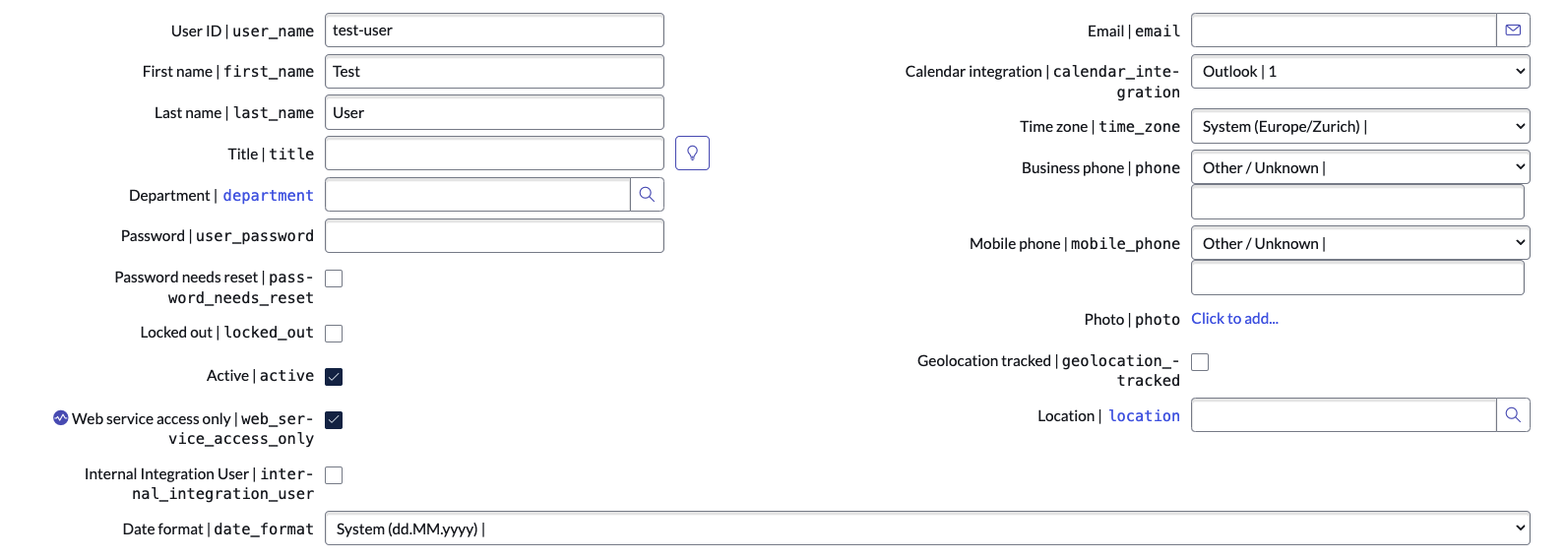
Store the username and password in a Basic Auth Credential
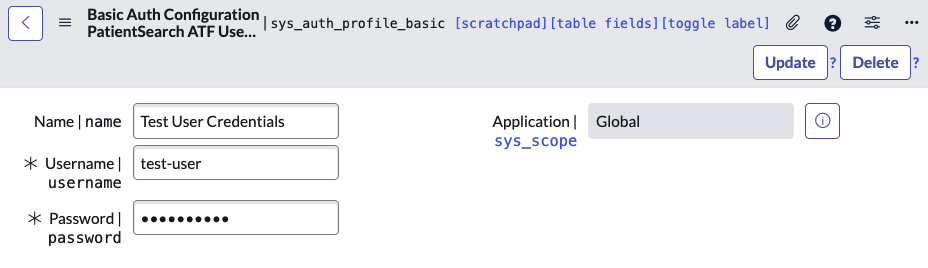
This step is a little trick to not have to store the password in the script itself. Instead we're going to store it in a credential, pull it from there in the script and decrypt it on the fly.
- Navigate to Credentials & Connections > Credentials
- Click New
- Select
Basic Auth Credentials - Fill in a
name,username, andpasswordand click Submit - Finally copy the
sys_idof the new credential for future use
Create a basic SOAP service
In this step we're going to create the SOAP service that we're going to swap in for the real service.
- Navigate to System Web Services > Scripted Web Services > Scripted SOAP Web Services
- Click New
- Fill in a
name - (Important) Set the
function_nameto the value of the function you would invoke in the real service - The
scriptyou can leave as is for now:sys_web_service.script(function scriptedWebServiceOperation(request, response) { // Add your code here })(request, response); - Click Submit
Create a Server Script ATF Test
In this step we're going to create the Server Script ATF Test where we will perform the actual test. It's in this script that we'll pull in the credentials and swap out the endpoint of the SOAP message.
- Navigate to Automated Test Framework > Tests
- Click New
- Give your test a
nameand click Submit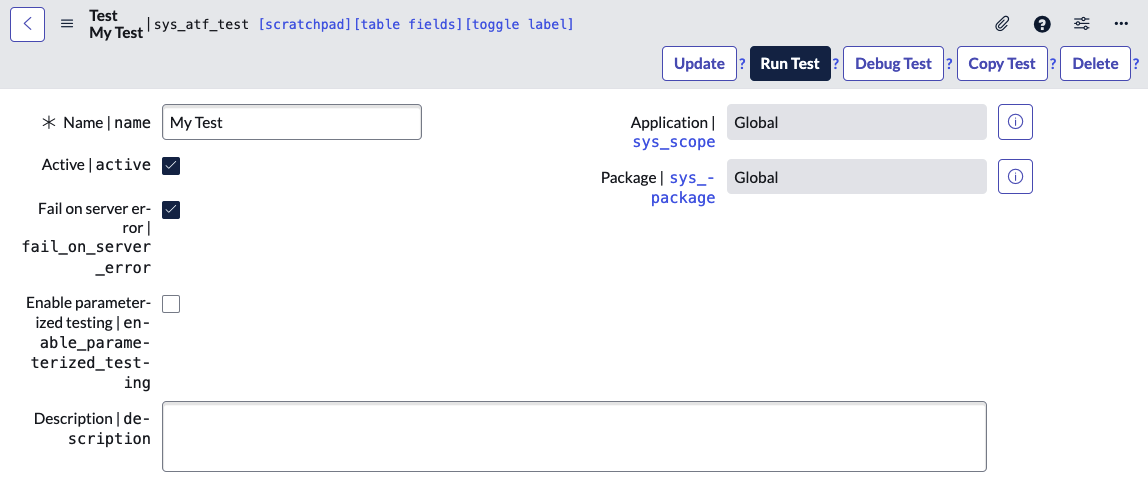
- In the Related Links section click Add Test Step
- Select Run Server Side Script
- Click Submit
- Click on the newly created record with Display Name
Run Server Side Script - Remove all the boilerplate and add some basic scaffolding for a test:
Run Server Side Script
(function(outputs, steps, params, stepResult, assertEqual) {
    describe('Test the SOAP message', function() {
        it('should do something', function() {
            // Add your test here
        });
    });
})(outputs, steps, params, stepResult, assertEqual);
jasmine.getEnv().execute();
Grab the encrypted password from the basic auth profile
In this step we're going to retrieve the username and password we saved in the Basic Auth Credential in step 2.
- Modify your
Run Server Side Scripttest to include the following code:Run Server Side Script(function(outputs, steps, params, stepResult, assertEqual) { describe('Test the SOAP message', function() { it('should do something', function() { grBasicAuthProfile.get('YOUR_BASIC_AUTH_CREDENTIAL_SYS_ID'); var username = grBasicAuthProfile.getValue('username'); var encryptedPassword = grBasicAuthProfile.getValue('password'); var Encrypter = new GlideEncrypter(); var decryptedPassword = Encrypter.decrypt(encryptedPassword); }); }); })(outputs, steps, params, stepResult, assertEqual); jasmine.getEnv().execute();
When you query the service swap out the endpoint on the SOAP message record
Make sure you set the function to something that you will use later.